 I don’t know how much Autodesk expects their Fusion 360 users to write their own custom scripts, but Autodesk have certainly made enough information available free online for anybody to give it a try. Broadly, they are divided into three categories:
- “Why“: the Fusion 360 API User’s Manual describes the overall concepts of how the API is designed and laid out. It is written to be the starting point before the programmer dives into actual code.
- “What“: the Fusion 360 API Reference Manual documents the specific nuts and bolts of how a script communicates with Fusion 360. This is where developers go to find the small but important details necessary to write good Fusion 360 code.
- “How“: Autodesk provides sample code so we can see some already-written scripts and get a feel of how they work. Some people may prefer to start with the code before (or possibly ‘instead of’) going to the concepts described in the user’s manual. But every learner will need to cross-reference the sample code against the reference manual to understand everything a sample does.
I appreciated the foundation laid out by the user’s manual. It left me feeling confident that I could march into the scripts and be properly oriented to understand what I’m seeing and how to find answers when I need them. Whether this confidence is misplaced or not is too early to tell at the moment.
One thing that I found interesting: Autodesk provides sample code of different styles across multiple venues. There’s a fairly large set of samples alongside the manuals on Autodesk’s own help website, but there is in addition a Github account “AutodeskFusion360” where script code is published. Some are samples, some are hackathon projects, and some are scripts that they’re released to solve some problems that customers have raised in the forums.
Together they cover a pretty wide spectrum of code to learn from, from simplified educational code snippets to complete scripts intended to run on user workstations.

 For the immediate future, I intend to focus on Fusion 360 scripting via Python. I’ve wanted to become more proficient in Python, and this would be a good way to look at Python through a lens entirely different from writing Qt code on a Raspberry Pi. I also have ambition to write Fusion 360 plug-in that leverages external libraries to provide novel services, and that’s not possible when stuck inside the FeatureScript sandbox. I will just have to keep a careful eye on the Python library imports in an effort to keep the security risks under control.




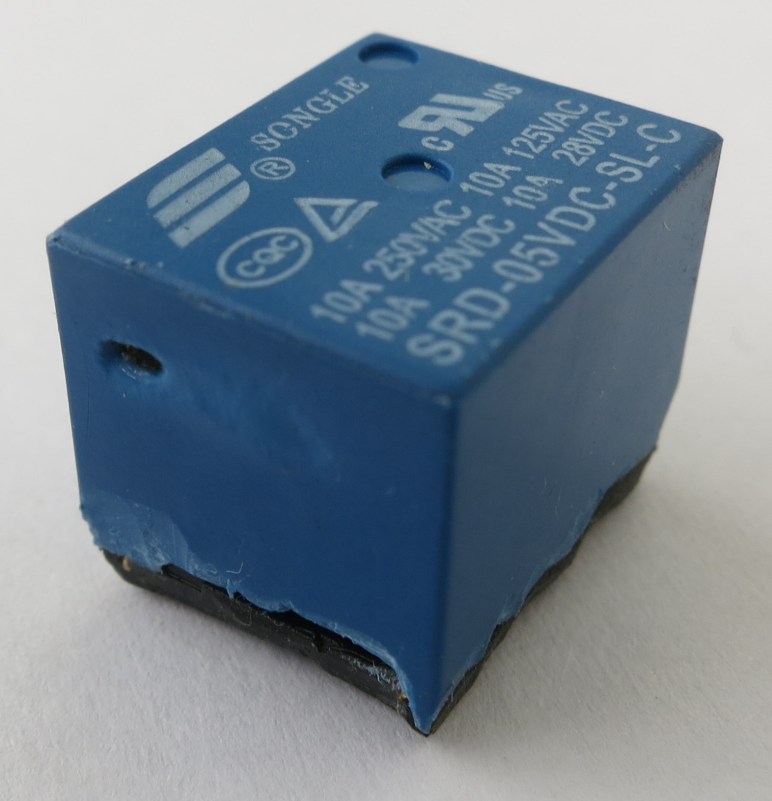
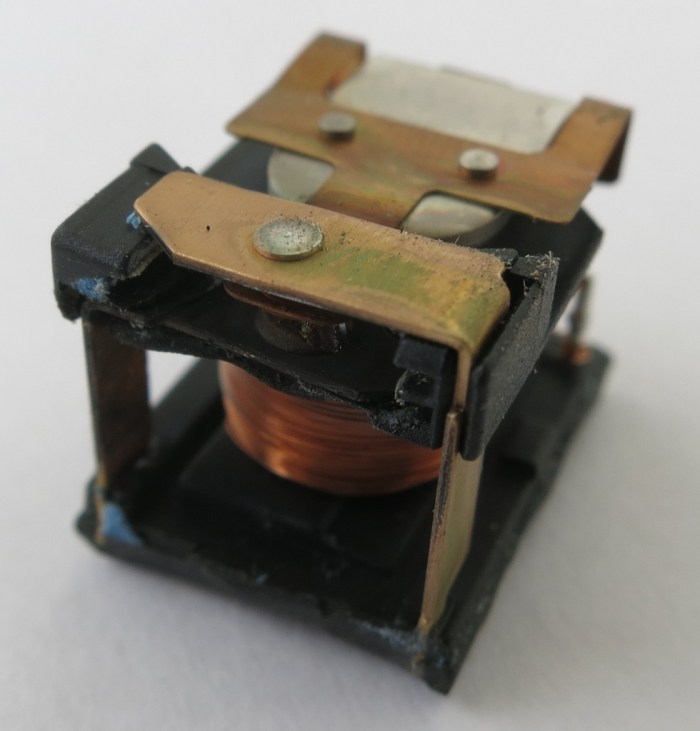 Looking at the inside of the just-removed case, we can see a lot of heat damage. Black char marks the hottest areas, and discolored white marked the rest.
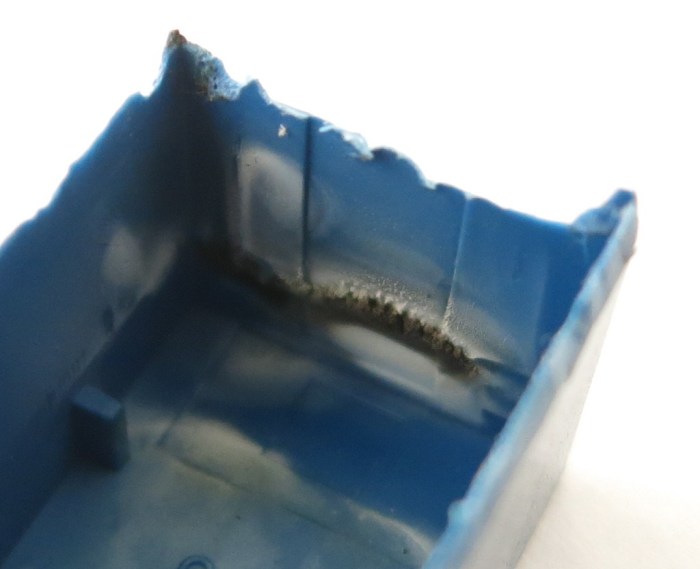 It’s a fairly straightforward relay, with the coil actuating an armature moving between contacts on either the plate above or below it. The armature+contact area is immediately behind the blacked charred bits of the case. And looking at the armature and contacts themselves, we see the relay died an unhappy death.
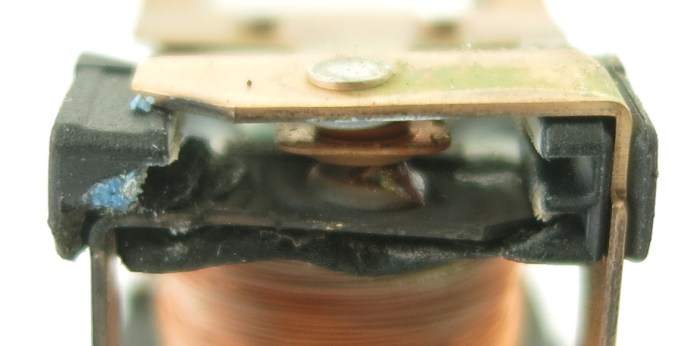 Everything in the contact area is distorted and/or charred. There is a black plastic-feeling piece holding everything in position relative to each other, and it could no longer do its job with heat distorting it and moved things out of alignment. Between the armature and the bottom contact is a blob of melted something that looks vaguely like solder. The bits of blue visible are parts of the blue casing that has melted onto this assembly. While the top contact looks OK in this picture, the side facing the armature is just as blackened and charred as the visible face of the bottom contact. The armature itself is barely visible here but it is actually discolored and distorted near the contacts.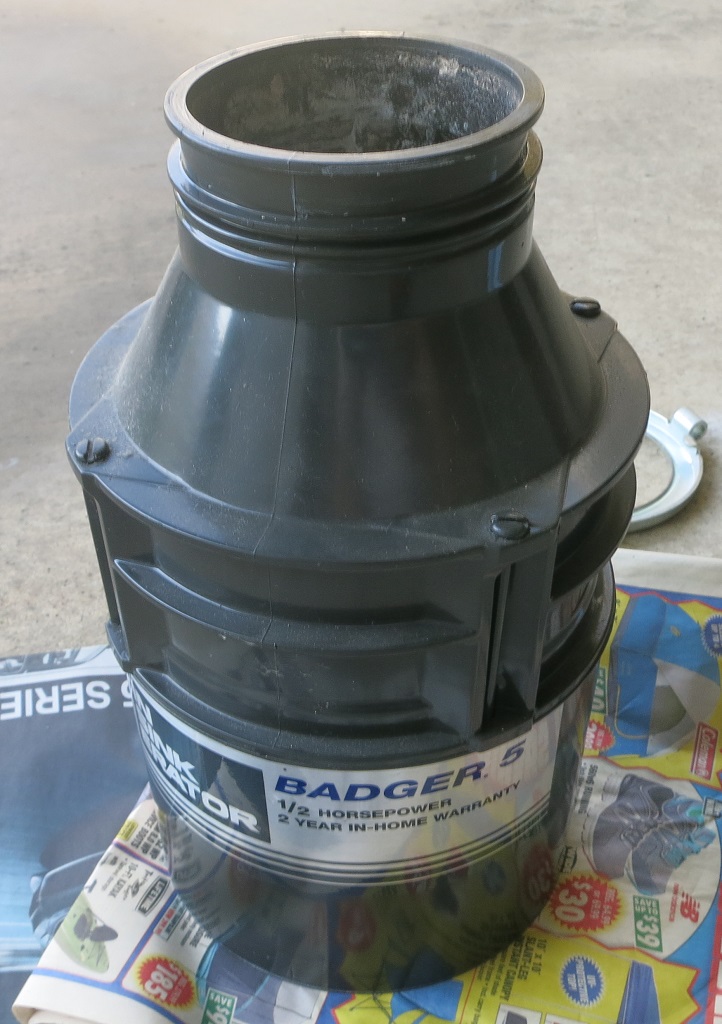
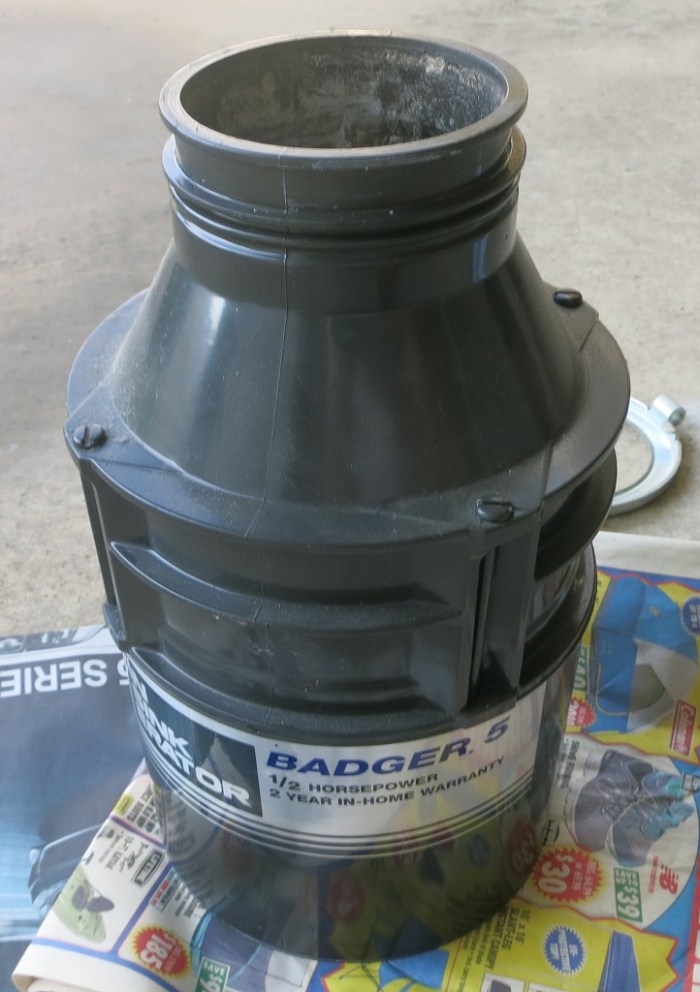 Looking around the perimeter for fasteners, the four rods immediately stood out. They are spread around the perimeter, and almost the entire height of the disposal. I tried the easy thing first but they refused to budge with my flat-head screwdriver. So out came the angle grinder with the cutting wheel, which quickly cut the exposed shaft.
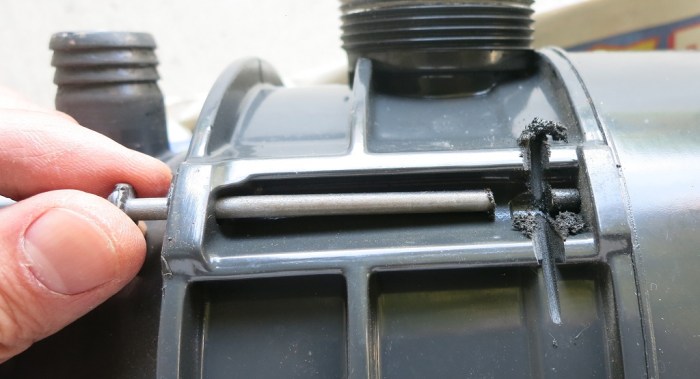 Unfortunately that did not allow the top part to come free. Something else was holding it together. Whether it is a mechanism I don’t understand or corrosion I could not tell. But there were no other obvious fasteners to release on the top side, nor is there a convenient point to start prying.
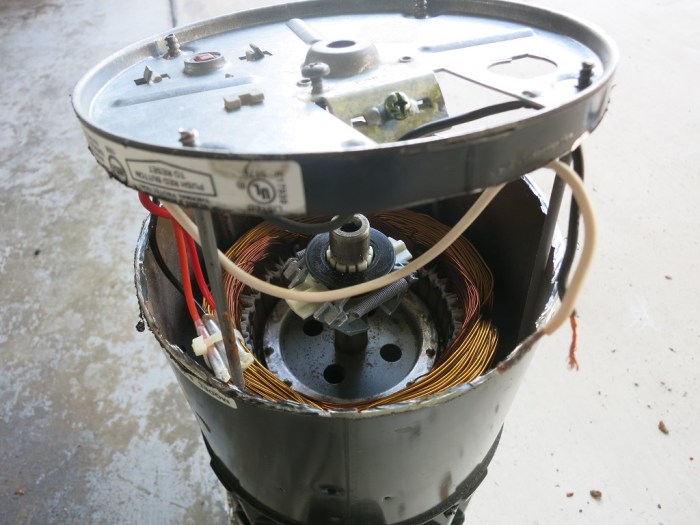 Once the bottom was cut free, I had a better view to find next best place to cut the stator free. When I pulled the stator off, I was very surprised to feel the rotor flex along with the stator because I had expected it to stay with the rest of the grinder.
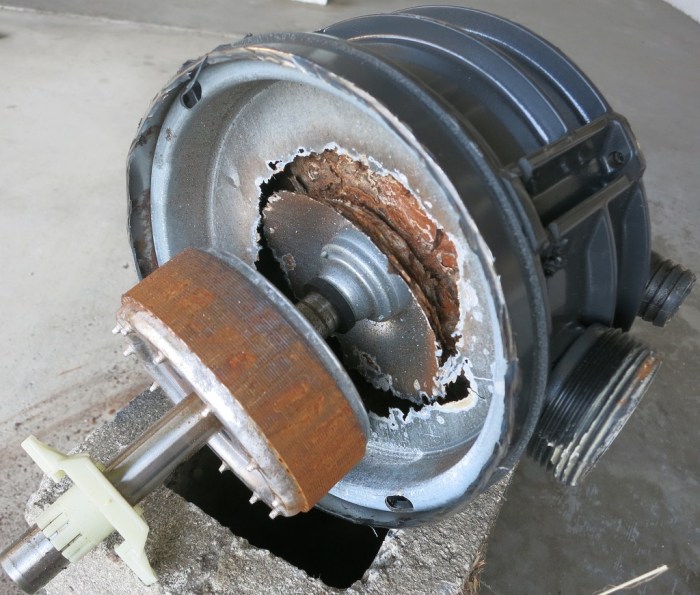 The source of the problem became clear once the stator came off: the metal plate separating the electrical motor from the grinder has been severely weakened by corrosion. I’m sure there were only a few (or maybe only one) hole when I pulled this from the sink, but the whole plate was corrosion weakened so it fell apart when I pulled the stator off the bottom.




 New Screwdriver