The hardware component for Embedded Apprentice Linux Engineer (E-ALE) program is a PocketBeagle board paired with an accessory board named BaconBits. The PocketBeagle was released a few months ago and is now available for purchase from the usual retailers that cater to the electronic hobbyist & engineer market. BaconBits is more rare – this project was only recently completed to turn the PocketBeagle (which does very little by itself) into a development board for easy experimentation.
When we power up the PocketBeagle for this course, we are presented with an introductory screen offering to take us through a few tutorials that serve as an introduction to the world of physical world programming. In the interest of size and cost, the PocketBeagle itself has very few physical peripherals, so interaction with the physical world requires wiring up external components.
BaconBits consolidates components required for many examples into a single circuit board so we won’t have to worry about breadboard wiring for the relevant exercises. From simple LED and potentiometer to peripherals beyond the basics. There’s an accelerometer available to practice I2C communication, and a 2-digit 7-segment LED to practice SPI communication.
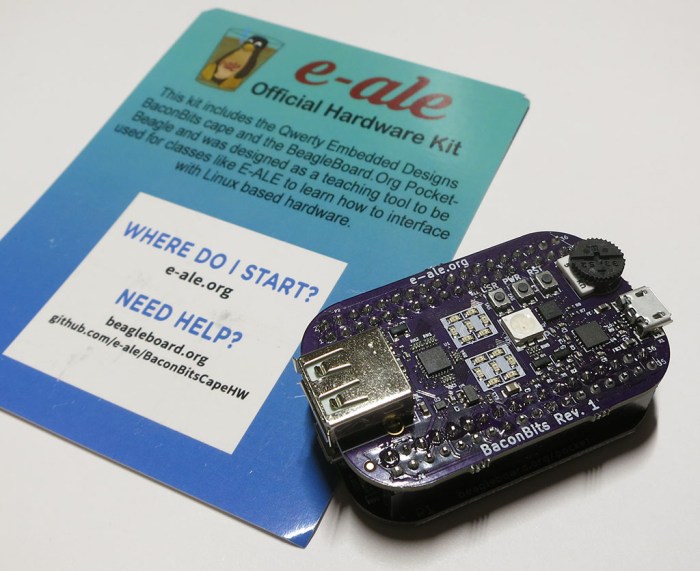
What turned out to be the most important, at least in several E-ALE sessions, is the FTDI serial to USB bridge on board the cape. Serial console to the PocketBeagle is a lower-level interface and absolutely required when we got into the USB Gadget unit of the training. Configuring PocketBeagle’s USB behavior requires taking the existing USB functionality (network connection and mass storage) offline and replacing them with the interfaces in the labs. This means PocketBeagle’s HTTP-based Cloud9 IDE and other network-dependent connections like SSH won’t work. Low level serial is all we have left to communicate with PocketBeagle and work through exercises.
 I had planned out a tentative schedule and the first session was a walk through of the PocketBeagle device. This turned out to be the start of a three-day course titled



 The first few experiments with
  This is especially problematic when the desire is to launch the app on power-up of the Raspberry Pi 3 that will run the server side. “Run on startup” is one of those tasks that have many different approaches across different flavors of Linux. Each with their advantages and disadvantages, benefits and gotchas.
 Twitter trends are easy to follow by searching for the hashtag. The default view given by Twitter shows the most popular tweets with that tag, and there are options to see the most recent tweets first, or browse them by photo, etc. But what if someone wants the tweets organized another way? Fortunately Twitter knows they can’t cover everybody’s desires and offers a developer API for those with creative ideas on tweets.
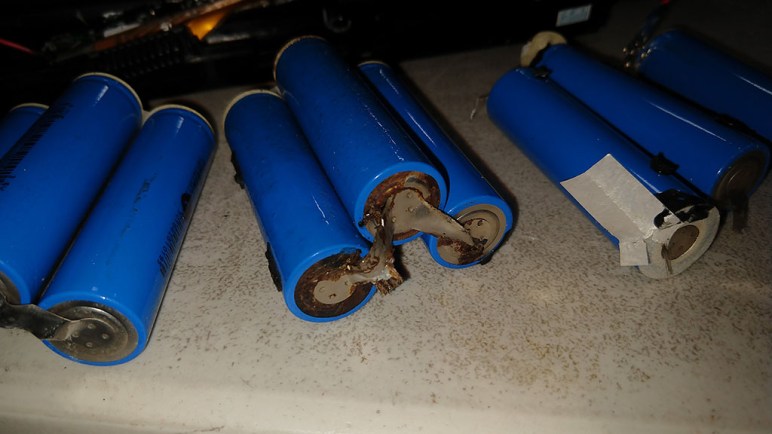

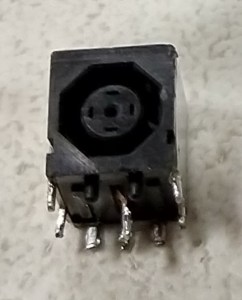 The power plug on this Dell different from the typical Dell laptop AC adapter: octagonal in shape rather than round. The shape meant it could not be used on other Dell laptops designed for the round plug. However, the dimensions of the octagon are such that an AC power adapter with the typical round Dell plug fits and could be used to charge the laptop. So while the laptop could be charged with any existing Dell-compatible AC adapter, the AC adapter that came with this machine is specific to this Dell.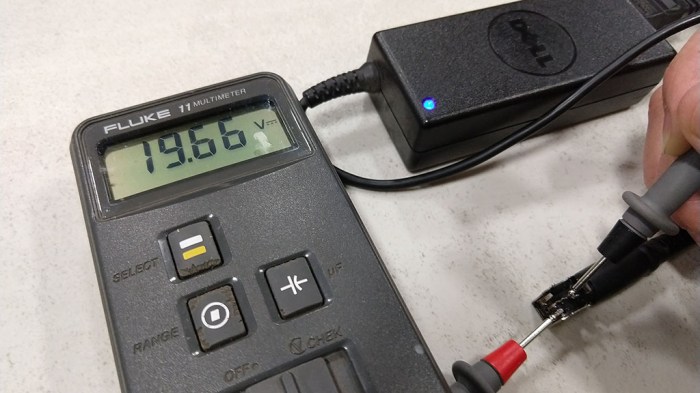




 New Screwdriver