Having multiple monitors is a great luxury. Not everyone appreciates it, but those that get used to it miss it greatly when traveling. It’s the biggest downside of using a MacBook Air as the travel laptop. It is smaller and lighter than the homebuilt external monitor, making it kind of silly to use them together. When light weight and portability is important enough to take the MacBook Air, we’ll also need the external screen to be equally portable.
The search for a thin-and-light external screen companion started with units that receive both power and data via the USB port. Sadly most of them offered only a low 1366×768 resolution at the starting $100 price range. Very few offer 1920×1080 resolution and they are in the $200 range. To get resolution any higher than that, we’ll need an iPad running Duet Display. Which means spending >$300. The good news is, for that price, the system worked very well with only two caveats:
First, Duet uses a proprietary protocol that requires a special driver running on the computer to talk to the app running on the iPad. Installing this driver triggered several warnings from MacOS and required explicit authorization to run non-Apple code signed with the name Rahul Dewan. A web search indicated this was the name of founder and CEO of Duet Display, so that matches, but it’s still a scary action from a security perspective.
Second, application windows could not span the two monitors. They can be dragged from one to the other, but each window will show only on one monitor. If a window is dragged to straddle the divide, only half of the window will show on one monitor, and the other half is not visible anywhere.
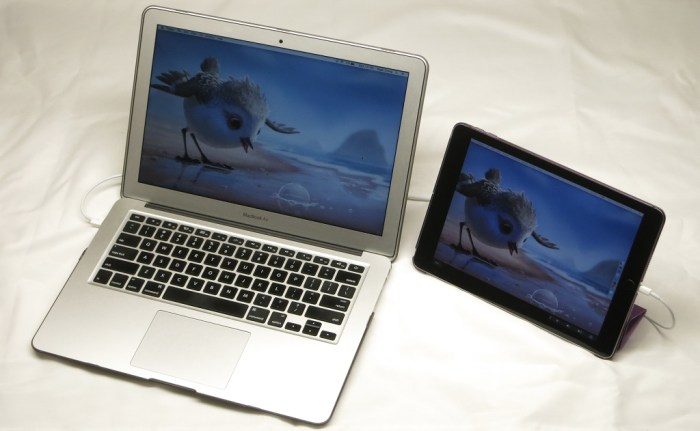
Other than that constraint, Duet Display works well to make an iPad (2017, Model A1822) serve as an external monitor for a MacBook Air (13-inch, early 2014). The speed and responsiveness are great. So far, the performance has been indistinguishable from an external monitor connected to the MacBook Air via HDMI.
It even offers something not available on other USB external monitors: the ability to hook into Apple’s Touch Bar feature and show the bar on the iPad. Even for Apple computers that aren’t equipped with the Touch Bar.
Duet+iPad has turned out to be the most expensive of the external MacBook monitor options, but it makes a compelling case to justify its price. High resolution, super lightweight, and naturally the iPad is still a perfectly good tablet when detached from the computer.

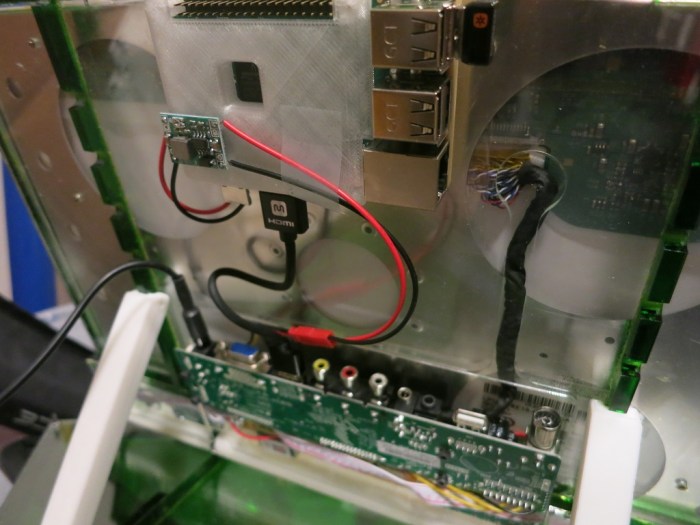
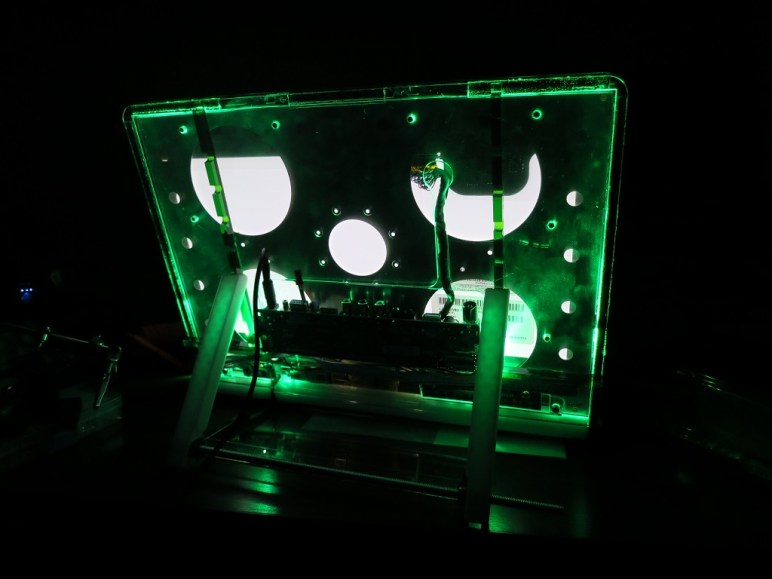
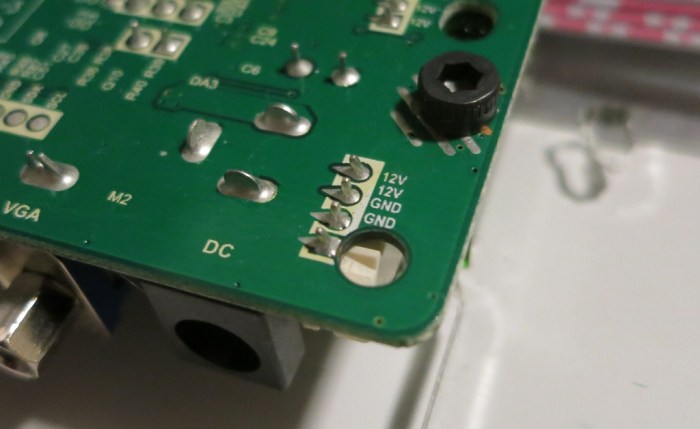
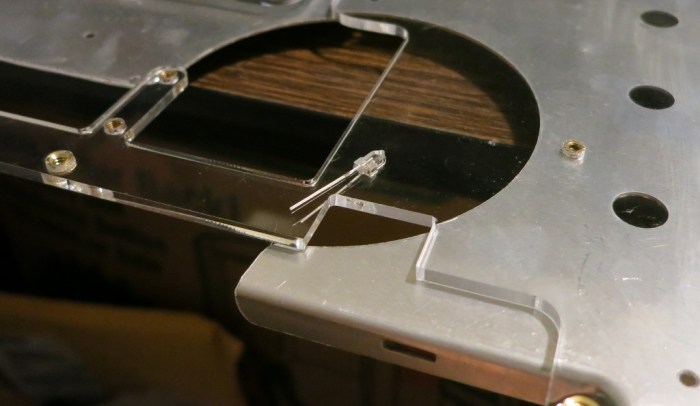
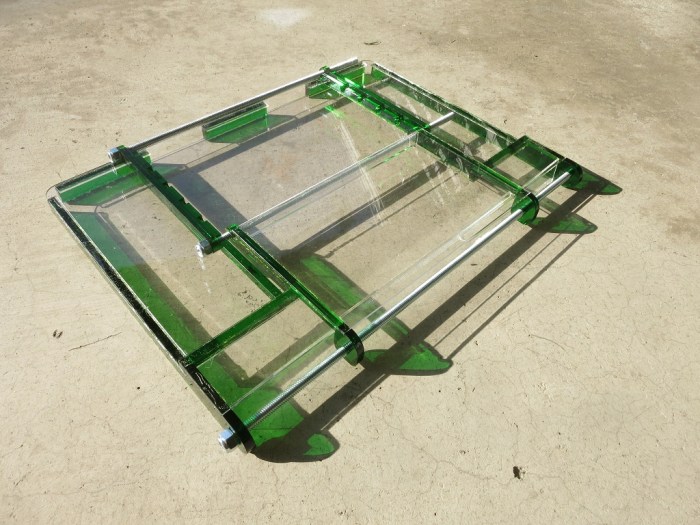

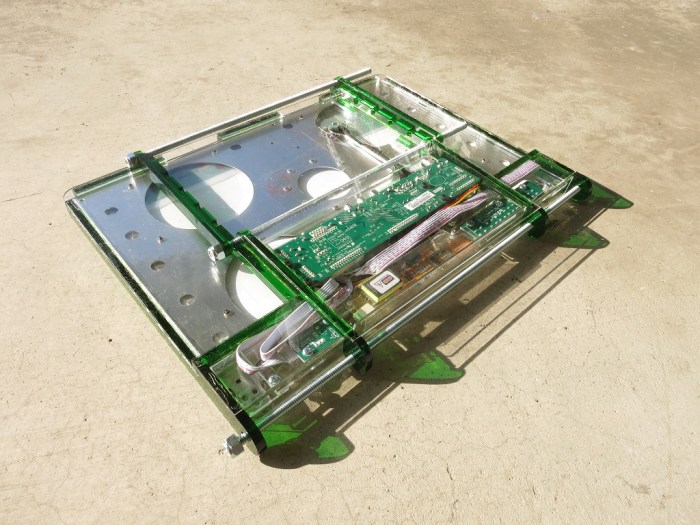
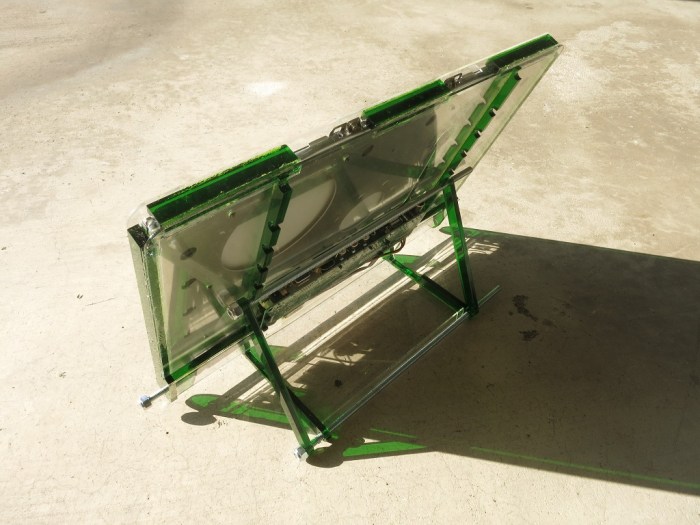
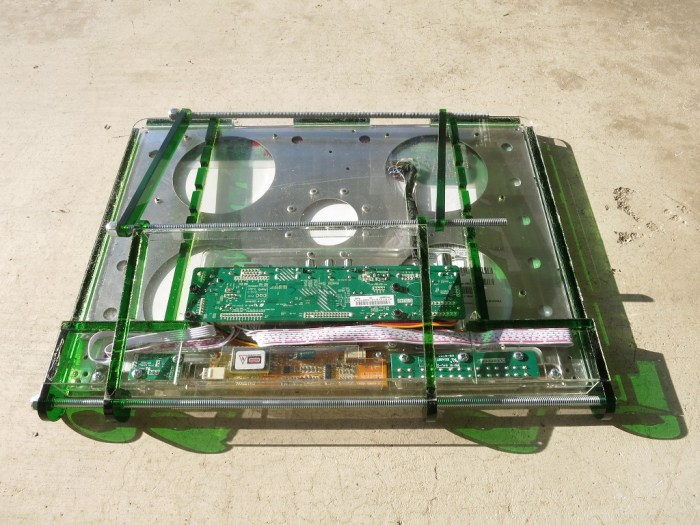
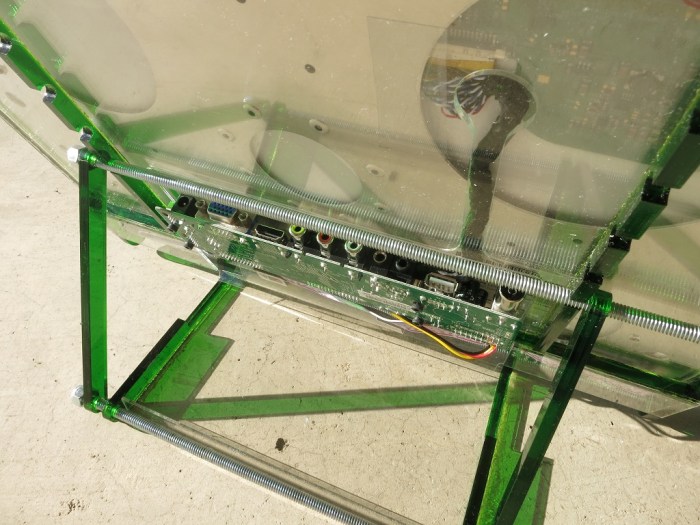
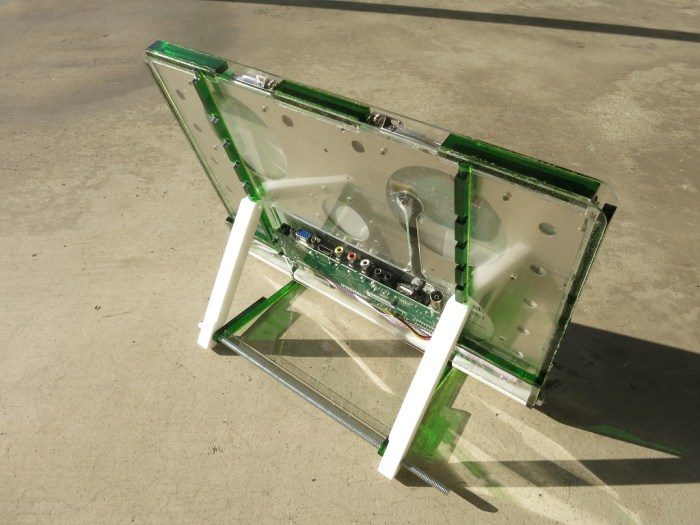
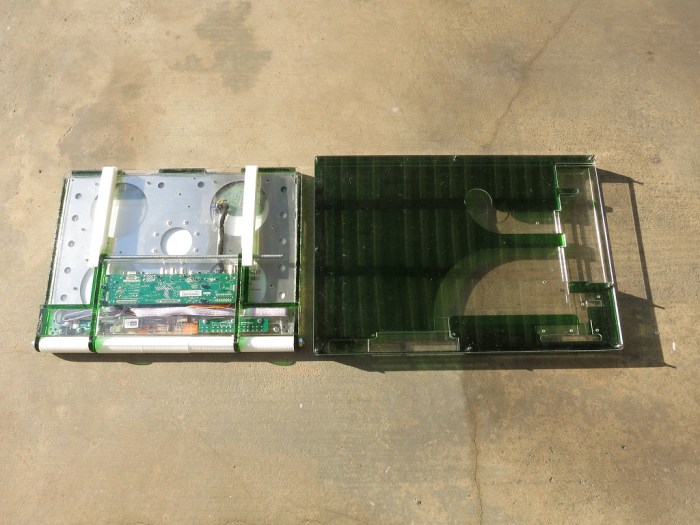
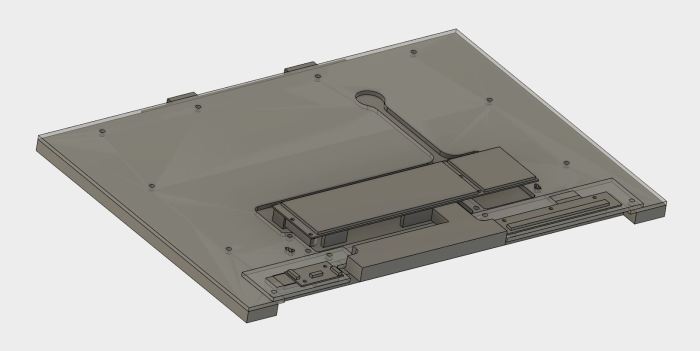
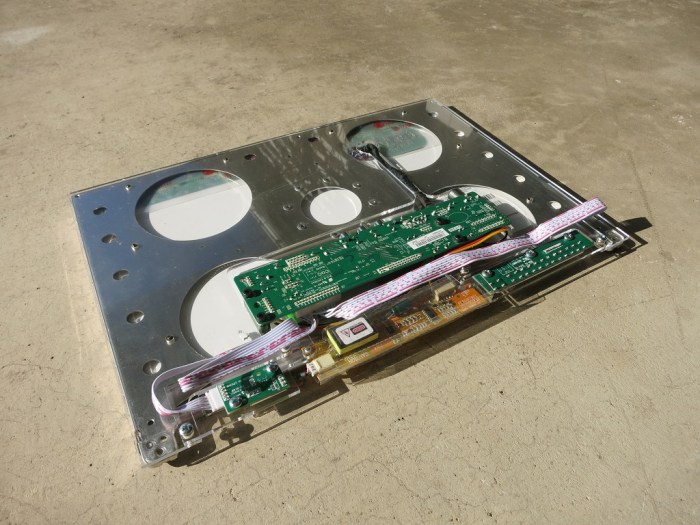
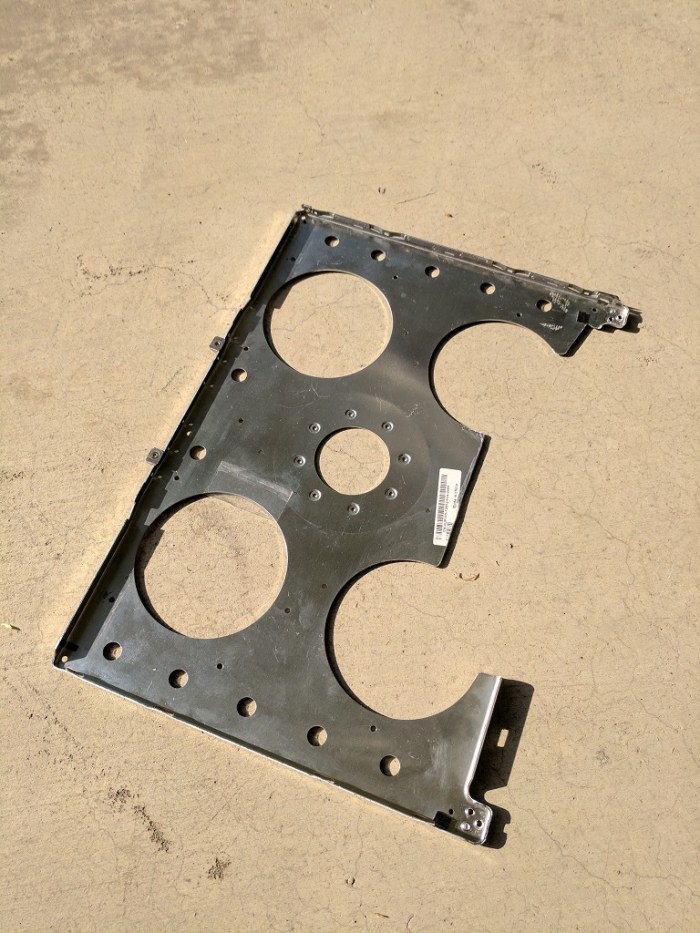
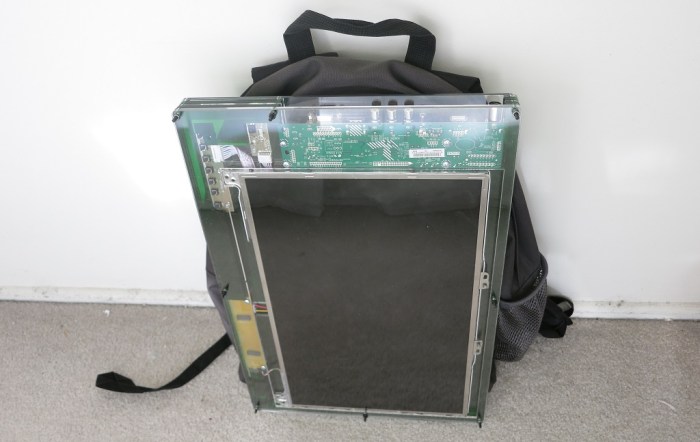


 Portable External Monitor version 2.0 (PEM2) explored a different construction technique from PEM1. Instead of building a box by assembling its six side pieces (top, bottom, left, right, front back) the box is built up by stacking sheets of acrylic.

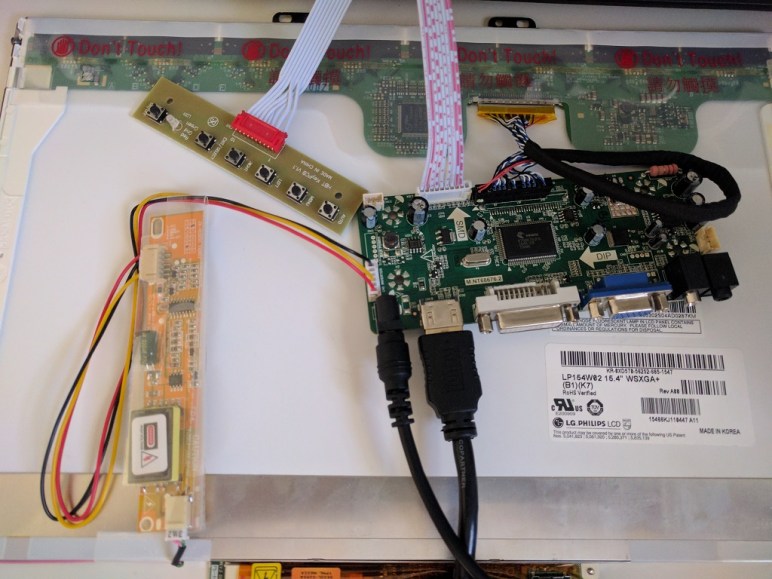
 Once the LCD panel and matching frame had been salvaged from the laptop, it’s time to build an enclosure to hold it and the associated driver board together. Since this was only the first draft, I was not very aggressive about packing the components tightly. It’s merely a simple big box to hold all the bits checking to see if I have all the mounting dimensions for all the circuit boards correct.
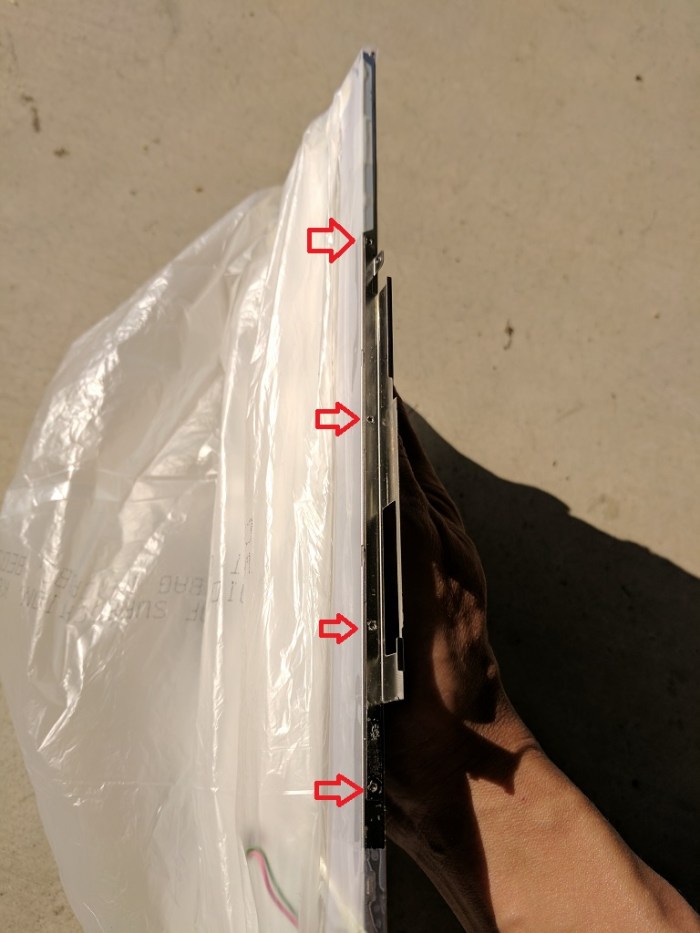
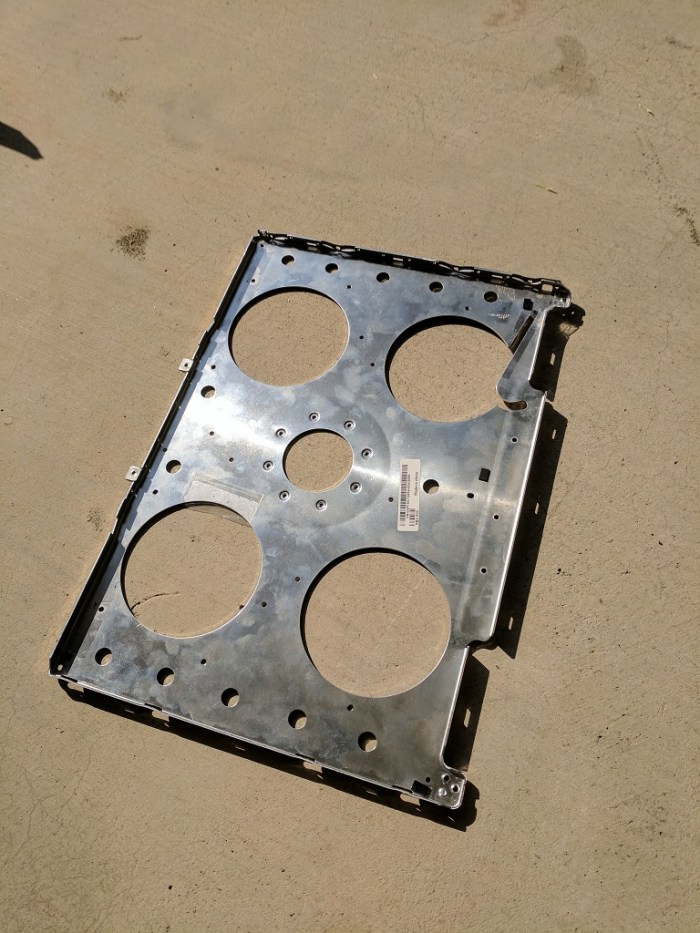
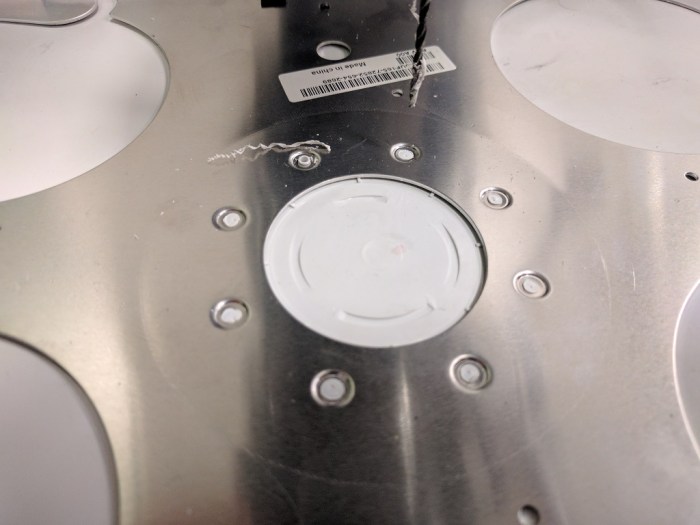 My Luggable PC display was a LCD panel I had salvaged from an old laptop, which I’m doing again for this external monitor project. When I pulled the Luggable PC panel out of the old laptop, I left most of the associated mounting hardware behind. During the Luggable PC project I wished I had also preserved the old mounting hardware.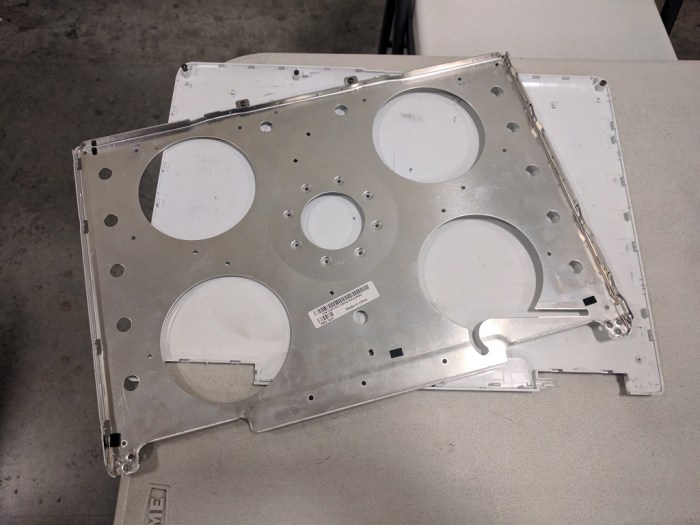
 New Screwdriver